
Maximize Your Experience: Tips for Using Pods Pro Effectively
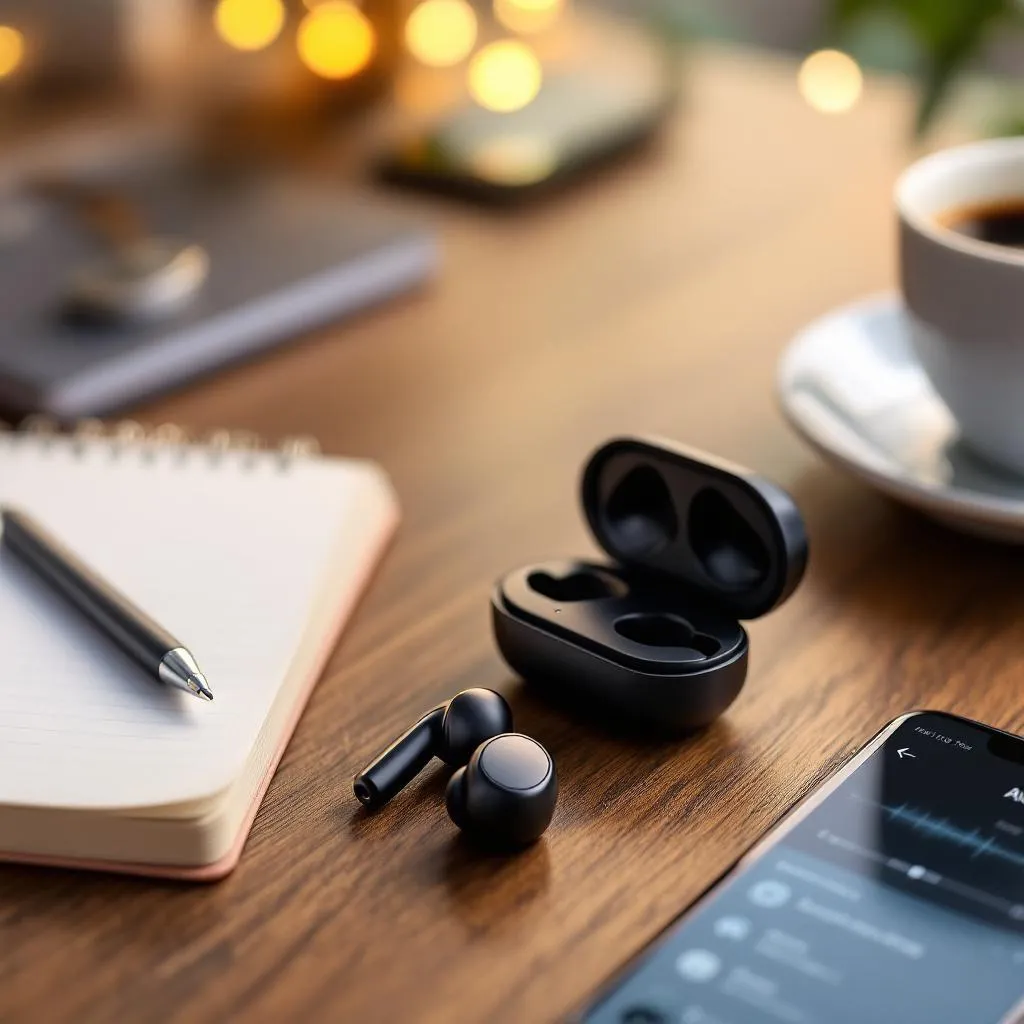
Are you struggling to get the most out of your Pods Pro? You're not alone! Many users find themselves overwhelmed with the various features and capabilities that these innovative devices have to offer. In this article, we will equip you with expert tips on how to use your Pods Pro effectively, ensuring that you fully maximize your experience. By the end, you'll be ready to enjoy all the high-quality features your Pods Pro offers, making your purchase from the Official Home of Blackpods Pro a rewarding one.
Table of Contents
- Understanding Your Pods Pro
- Getting Started with Pods Pro
- Maximizing Battery Life
- Optimizing Sound Quality
- Utilizing Additional Features
- Troubleshooting Tips
- Conclusion
Understanding Your Pods Pro
Before diving into tips for usage, it's important to understand what Pods Pro offers. Designed for seamless integration with your devices, the Pods Pro deliver superior sound quality and adaptive features that adapt to your environment. With advanced noise cancellation technology, these earbuds let you enjoy immersive audio whether you’re in a crowded cafe or a peaceful park.
Getting Started with Pods Pro
To ensure you're set up for success from the get-go, follow these steps:
1. Pairing Your Pods Pro
Connecting your Pods Pro to your device is easy. Open the Bluetooth settings on your smartphone or tablet, then take the Pods Pro out of their case. They should appear under available devices. Tap to connect, and your Pods Pro are ready to use!
2. Ensure Firmware Is Up to Date
Regular updates can bring new features and enhancements. Always check for firmware updates after your initial setup. Updates can be found within the official app for Pods Pro, ensuring your device stays at the peak of performance. Learn more about firmware updates here.
Maximizing Battery Life
Your Pods Pro comes equipped with impressive battery life, but several strategies can help you get the most usage out of them:
1. Optimize Volume Levels
High volume levels can drain battery significantly faster. Try to keep the volume at a moderate level to prolong usage. Engage in sound checking occasionally to find your sweet spot.
2. Use Low-Definition Audio
If you’re streaming music and don’t mind sacrificing a bit of quality for battery longevity, opt for low-definition audio. This feature is particularly beneficial during long travels or when you’re away from charging devices.
3. Charge Properly
Use the original charging case for your Pods Pro. Not only does it protect the earbuds, but it also charges them efficiently. Ensure you charge them fully before use to maximize your playtime.
Optimizing Sound Quality
To get the highest audio experience from your Pods Pro, consider the following tips:
1. Experiment with Fit
Getting the right fit is crucial for sound quality. Try different ear tips provided with your Pods Pro to ensure they fit snugly in your ears. This will help in better sound isolation and enhance the bass response.
2. Adjust EQ Settings
Many music apps allow users to customize equalizer settings. Experimenting with these settings can help you find the perfect sound profile that suits your taste. Setting it right will allow you to enjoy every note and beat.
3. Enable Noise Cancellation
Utilize the noise cancellation feature to block out ambient sounds, boosting your listening experience. This feature is particularly useful in busy environments. Regularly toggle this feature depending on your surroundings for optimal sound quality.
Utilizing Additional Features
Your Pods Pro come with various features that can enhance your experience. Here’s how to incorporate them:
1. Touch Controls
Get familiar with the touch controls. With a tap, you can play, pause, or skip tracks. Customization options may allow you to assign specific functions to double or triple taps, greatly enhancing convenience.
2. Voice Assistant Integration
Link your Pods Pro with your voice assistant for hands-free control. Whether you need to send a message, make a call, or check the weather, using voice commands keeps your hands free for other tasks.
3. Share Audio Feature
Want to enjoy music with a friend? Make use of the share audio feature. This function allows two pairs of Pods Pro to connect to one device, making sharing a breeze without any cords or hassle.
Troubleshooting Tips
Even with the best devices, issues can arise. Here are some common troubleshooting tips:
1. Connectivity Issues
If you encounter connectivity problems, try turning Bluetooth off and on, or removing the Pods Pro and resetting the Bluetooth connection.
2. Sound Quality Problems
If sound quality declines, ensure an optimal fit and check for earwax buildup which can obstruct audio pathways. Cleaning your Pods Pro regularly will enhance sound quality.
3. Resetting Your Pods Pro
As a last resort, you can reset your Pods Pro. This will resolve many issues quickly. Follow the instructions in your user manual or consult Apple's support page for assistance.
Conclusion
Maximizing your experience with Pods Pro is all about understanding their features and learning how to use them effectively. From optimizing battery life to experimenting with sound quality, employing these strategies can elevate your audio experience. Purchase your Pods Pro, Pods Pro Max, and other DMG® Brand products from the Official Home of Blackpods Pro today, and start enjoying high-quality electronics at affordable prices! Don’t wait, enhance your auditory experience now!
Recent Posts
-
5 Tips to Get the Most Out of Your Pods Pro Experience
IntroductionAre you enjoying your Pods Pro to the fullest? Many us …Mar 23rd 2026 -
Behind the Brand: The Story of DMG® Electronics
IntroductionHave you ever found yourself looking for high-quality …Mar 22nd 2026 -
The Affordable Revolution: Discover Pod Pro Max
Are you tired of paying exorbitant prices for high-quality electro …Mar 21st 2026